External Number Transfer Flow
Background
When agents Transfer to an external phone number (either a saved number, or by using the dialpad), Amazon Connect adds the external party to a conference.
Unfortunately, unlike an outbound call, where the Outbound Whisper Contact Flow is triggered, an agent transfer to phone number does not trigger a Contact Flow. This means custom logic cannot be run, such as a block number check.
Configuration
To circumvent this default behavior, custom logic can be be used by enabling the ‘External Number Transfer Flow’ feature under ‘Queues and Transfers'.
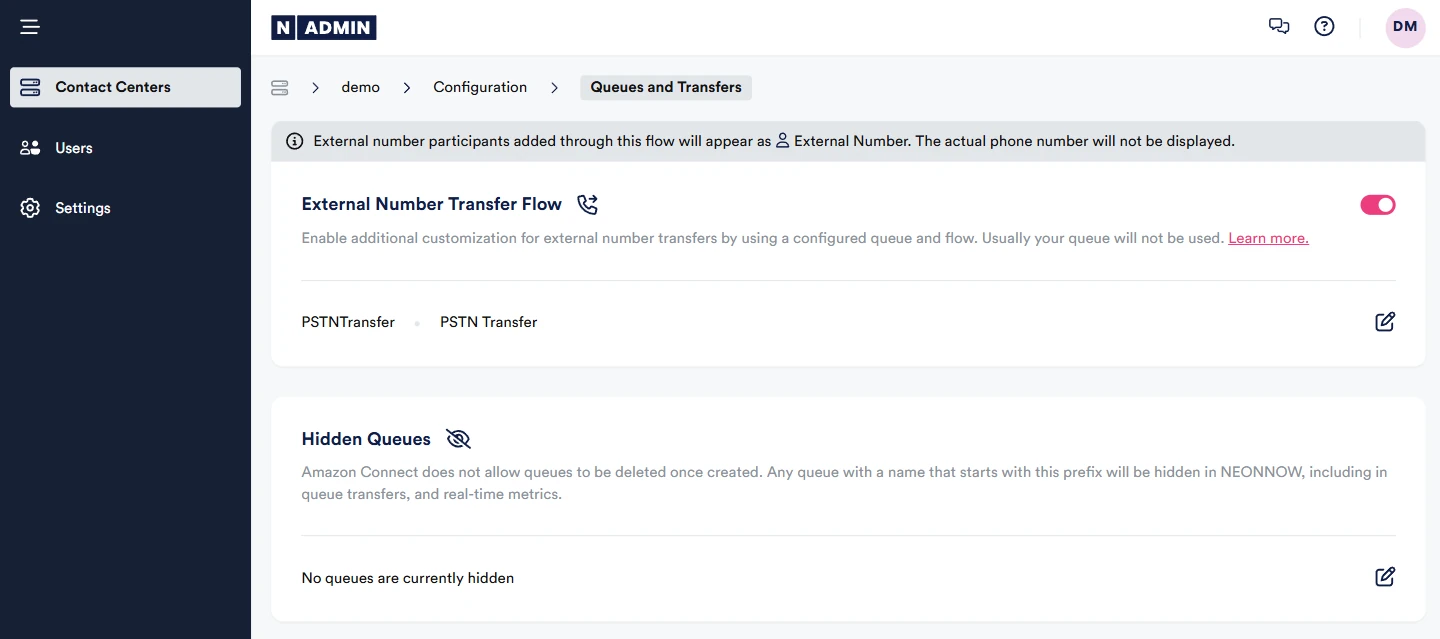
This allows for a custom transfer to queue contact flow to be called. The contact flow must carry out the transfer, with a 'Transfer to Phone Number' block. When NEONNOW initiates the transfer to the new flow, it will first set an attribute NEONNOW_EXTERNAL_TRANSFER_NUMBER with a value of the phone number the agent entered.
The Contact flow must manually transfer to the phone number, which will be stored as attribute NEONNOW_EXTERNAL_TRANSFER_NUMBER.
Custom logic can be configured within the flow including Lambda lookups for:
- Check for Do not Call Lists
- Set dynamic ANI
External number participants added through this flow will appear as External Number to the agent. The actual phone number will not be displayed.