Customing Quick Connect Transfer ARNs
Background
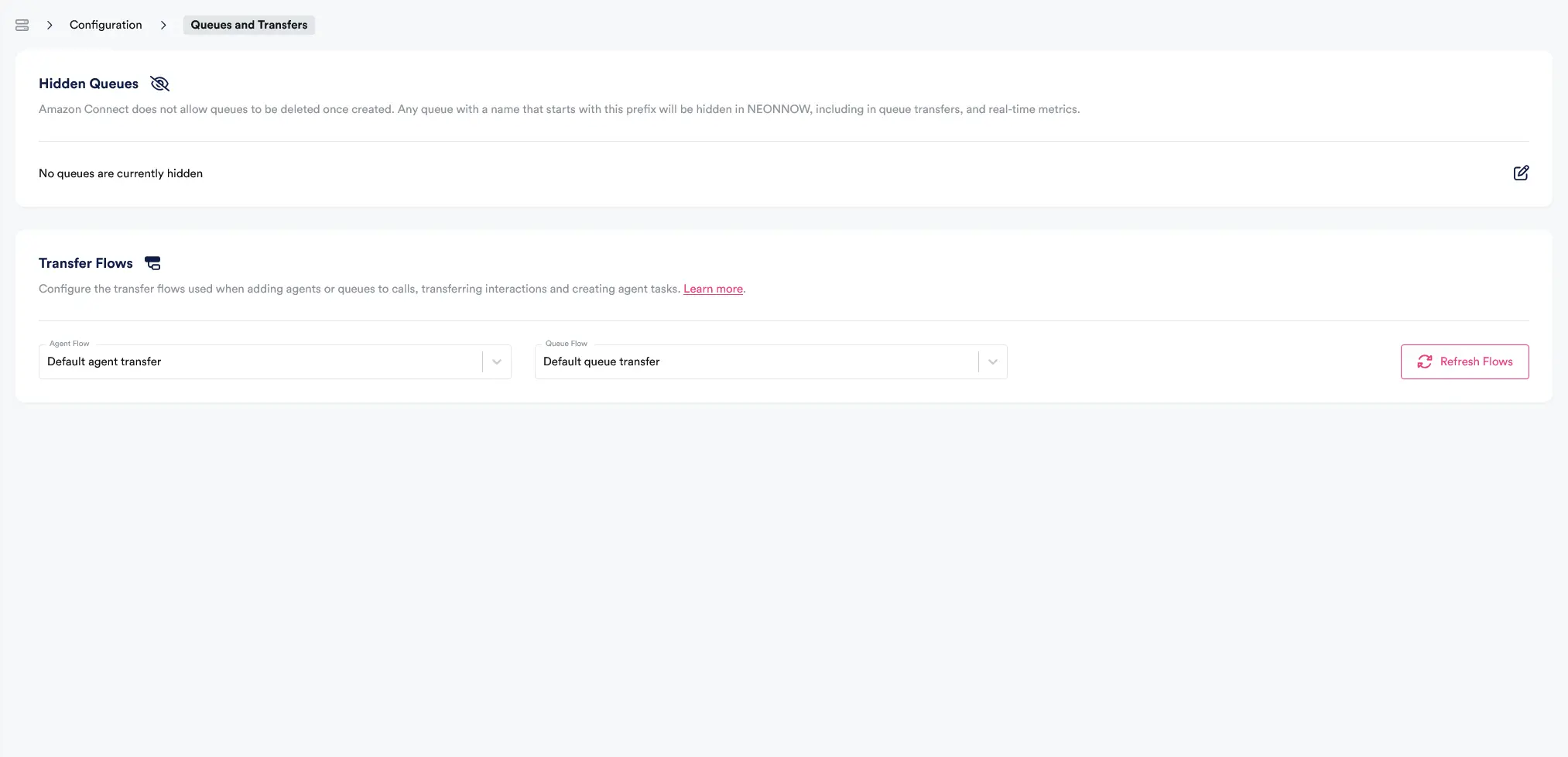
NEONNOW uses dynamic quick connects to facilitate agent and queue transfers. Each transfer between an agent and another agent/queue uses a quick connect to form a reusable transfer destination. These quick connects are created dynamically, and by default use the ‘Default Agent Transfer’ and ‘Default Queue Transfer’ flows.
Customizing flows
Custom transfer flows can be selected at configuration/Queues and transfers, by using the dropdown menus to choose from available flows. If a recently created flow does not appear use the refresh button. All new Quick Connects will be created using the updated Flow.